Unofficial | Bedrock Launcher
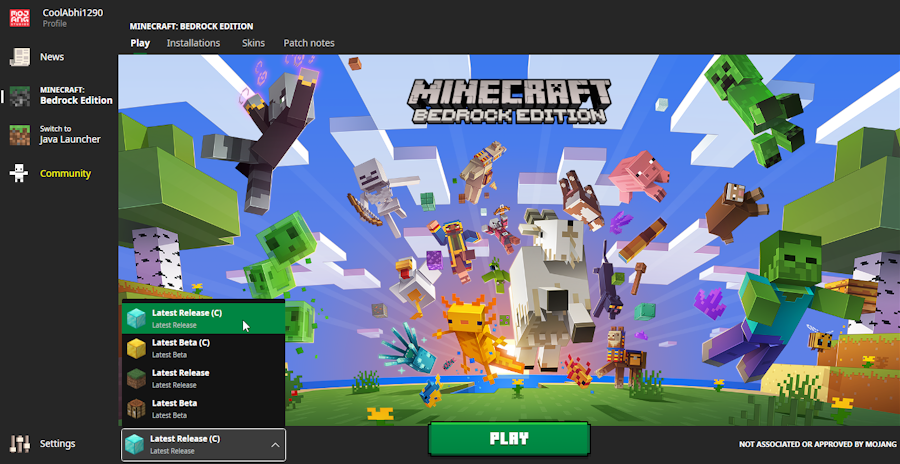
Bedrock Launcher Unofficial version
It is not affiliated with Microsoft or Mojang, the developers of Minecraft. It allows users to access and switch between different versions of the game, customize settings and themes, and use integrated console commands. It also requires users to own a legal copy of Minecraft for Windows 10 and have the .NET Desktop Runtime 6+ installed on their computer. You can find more information about this project on its website or github page.
Features
Minecraft bedrock launcher unofficial version on github has many features that make it a useful and fun tool for Minecraft fans. Some of the features are:
- Version management: You can easily switch between different versions of Minecraft Bedrock Edition, including beta, alpha, and release versions. You can also create custom profiles with different settings and mods for each version.
- Launcher settings: You can customize the launcher’s appearance and behavior, such as changing the theme, language, and resolution. You can also enable or disable features like auto-updates, telemetry, and crash reports.
- Console commands: You can use the integrated console to execute commands and scripts in the game. You can also view the game’s output and logs in the console.
- Mod support: You can install and manage mods for Minecraft Bedrock Edition using the launcher. You can also create your own mods using the modding API.